Protecting the Wi-Fi connection is often overlooked. If you want to know if we have access to your Wifi network and regain your signal strength, here’s how to proceed.
How to limit unwanted access to your home Wi-Fi network?
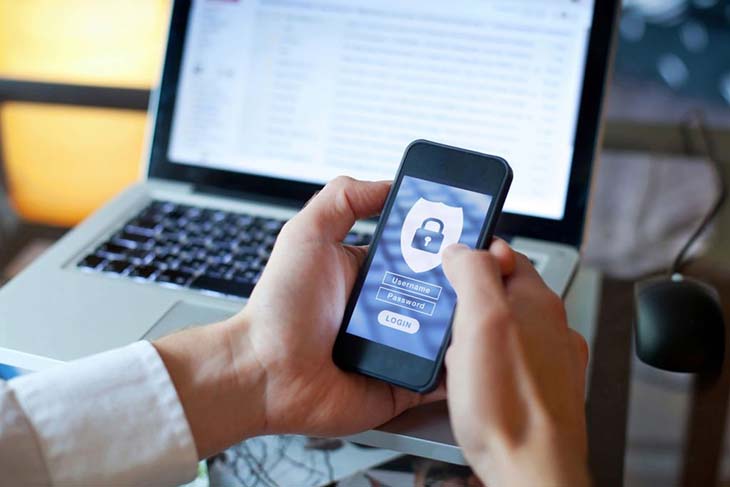
Often, no special attention is paid to the security of the home connection. Indeed, the risks of a malicious person connecting to use his neighbor’s Wifi or, worse, to recover personal data are not negligible.
In addition, many people create easy passwords (first name, last name, date of birth, etc.), making life easy for hackers, curious and other malicious people. They can also use software allowing access to Wi-Fi networks! In addition to collecting confidential data, they may be aimed at infecting the victim’s computer with viruses or using Wi-Fi for illegal activities.
Want to know if someone is accessing your Wi-Fi connection? You don’t need any technical prerequisites: just install one of these software to monitor unknown devices that use your WiFi network without your consent!

Wifi Inspector: When you launch this software, you are entitled to a scan of all devices connected to your home network. It screens vulnerable devices and then notifies you if security issues with your network need to be addressed. The Wifi Inspector will give you the steps to follow. You can download it for free on the internet!
F-Secure Router Checker: this is a free DNS hijacking test. Safe and working without downloading or installing, this tool allows you to know if the settings of your router have been changed by hackers. Finally, F-Secure Router Checker is compatible with your installed security software.
You can still monitor manually by accessing the router’s settings. Type 192.168.1.1 or 192.168.2.1 in the browser bar to go to the router’s administration page. From then on, you will see the list of devices connected to your network in real time. This can concern computers, smartphones, connected objects, etc. Now, change the password to disconnect all those unwanted devices! Finally, the interfaces differ a little depending on your box (Orange, SFR, Bouygues, FREE). Contact your phone company to inquire if you can’t find the password change section.
How to protect your Wi-Fi connection?

Anyone can secure their WiFi network by applying these 3 methods!
Enable the firewall of your WiFi router
Most wireless routers include firewall options. This is used to block unwanted traffic. However, you must activate it manually since it is not effective by default. To do this, go to the settings of your router by typing the famous IP address 192.168.1.1 on your browser. Generally, the firewall switch can be enabled from your router’s advanced settings.
Note that when you activate the firewall of your router, the internet speed tends to slow down. So you can disable this option when you need a faster WiFi connection. Don’t forget to reactivate it!
Turn off the Wi-Fi network when you leave your home
It’s probably tiring to turn off your WiFi router in the mornings and restart it when you get home. However, if you are going on a long stay, it is important to turn it off to be sure that your network is protected.
Update the firmware of your WiFi router
Your router’s firmware is a key component of secure network connection. Since most wireless routers do not update their firmware automatically, you are then obliged to do it yourself.
To complete this task, go to the manufacturer’s official website and download the firmware update file. Now, install this file on your wireless router. Finally, router manufacturers have set up quite different installation methods, so you should look for instructions and steps on their website.