Since the use of the smartphone has become more and more important, it becomes difficult for the battery to last long. Indeed, some smartphones tend to discharge quickly and sometimes require several recharges per day. In some cases, it is enough to make simple adjustments on the phone to avoid possible battery failures.
How to save phone battery?
Whether it runs iOS or Android, your smartphone can conserve maximum charge by changing a well-known function. This will help you create a good balance between phone usage and battery life.
Set screen sleep timeout on phone
When you’re not using your phone, the screen usually takes one to two minutes before it locks and turns off. This is the phone’s sleep function that is performed automatically after a period of inactivity. To benefit from a longer autonomy, it is then advisable to shorten it as much as possible. Indeed When not properly configured, this option can easily influence your phone’s battery life.
On Android, go to the Parameters on your Android phone, then in ScreenPress Standby on the screen. You will then have the possibility to choose between a duration of 15 seconds to 10 minutes.
On iPhone, go to Settings then Brightness and displaythen Automatic locking Then choose a duration. Be careful, however, not to choose a very short deadline. This can sometimes become restrictive when you are in the middle of reading content on your smartphone.
Other tips to keep the phone battery life
Like screen sleep, other settings can be adopted to optimize the phone’s battery life. Here are some simple and useful examples.
Disable GPS on the phone
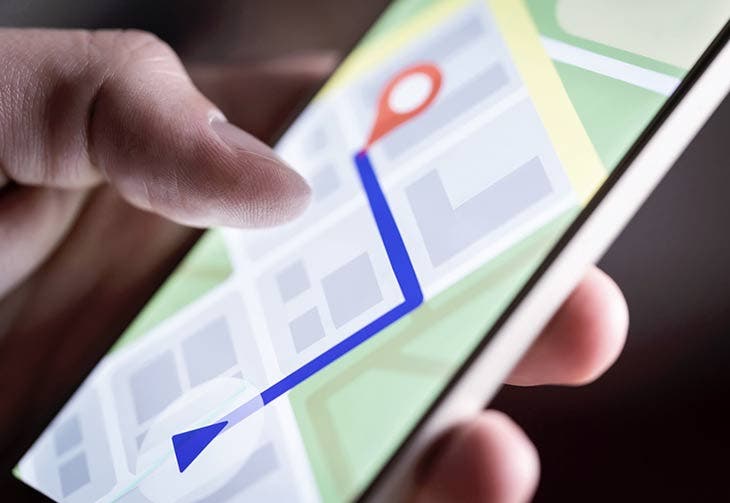
GPS is one of the most used functions on a smartphone. Although very convenient to share your location, this option is also very energy intensive. So unless you use apps that work with GPS, disable this feature! By doing so, your battery will last longer. On an Android phone, swipe down from the main screen. Then disable the feature by tapping the icon that represents the location. In the same way, other functions that consume the battery such as Bluetooth or Wi-Fi can be disabled. To disable GPS on iPhone, go to Settings Confidentiality then click Location Services. Select an app, then disable Exact position.
Turn off vibrator on the phone
The vibrator is also one of the features that consume more battery in the same way as the aforementioned examples. It is then advisable to disable it in order to optimize your autonomy. Putting it in silent mode would certainly consume less energy but it can be annoying when someone is trying to reach you. Instead, keep the phone ringing but on a low volume. Also, feel free to turn off all other unnecessary sounds related to the screen and keyboard. To turn off vibrating, open Phone Settings and then in Sounds and VibrationsPress Sound and disable the Vibrator and Ringtone. Now all you have to do is adjust the Volume. On iPhone, go to Settings, Sounds and vibrations or Sounds for models prior to iPhone 7. Then, choose the desired setting for your phone.
Limit background apps on the phone
Many apps continue to run in the background even after closing them. They remain active and continue to synchronize content or even geographical positions. In order to limit their impact on your battery, open the Settings of your Android phone and then tap Applications. The list that will appear will give you access to all active applications. Choose the one you want and click Force Stop. On iPhone, open the Settings, General, Refresh background apps. Choose the apps you want to stop and then at the top of the screen, tap Updatesr in the background. Press Off to disable.